







NASA App
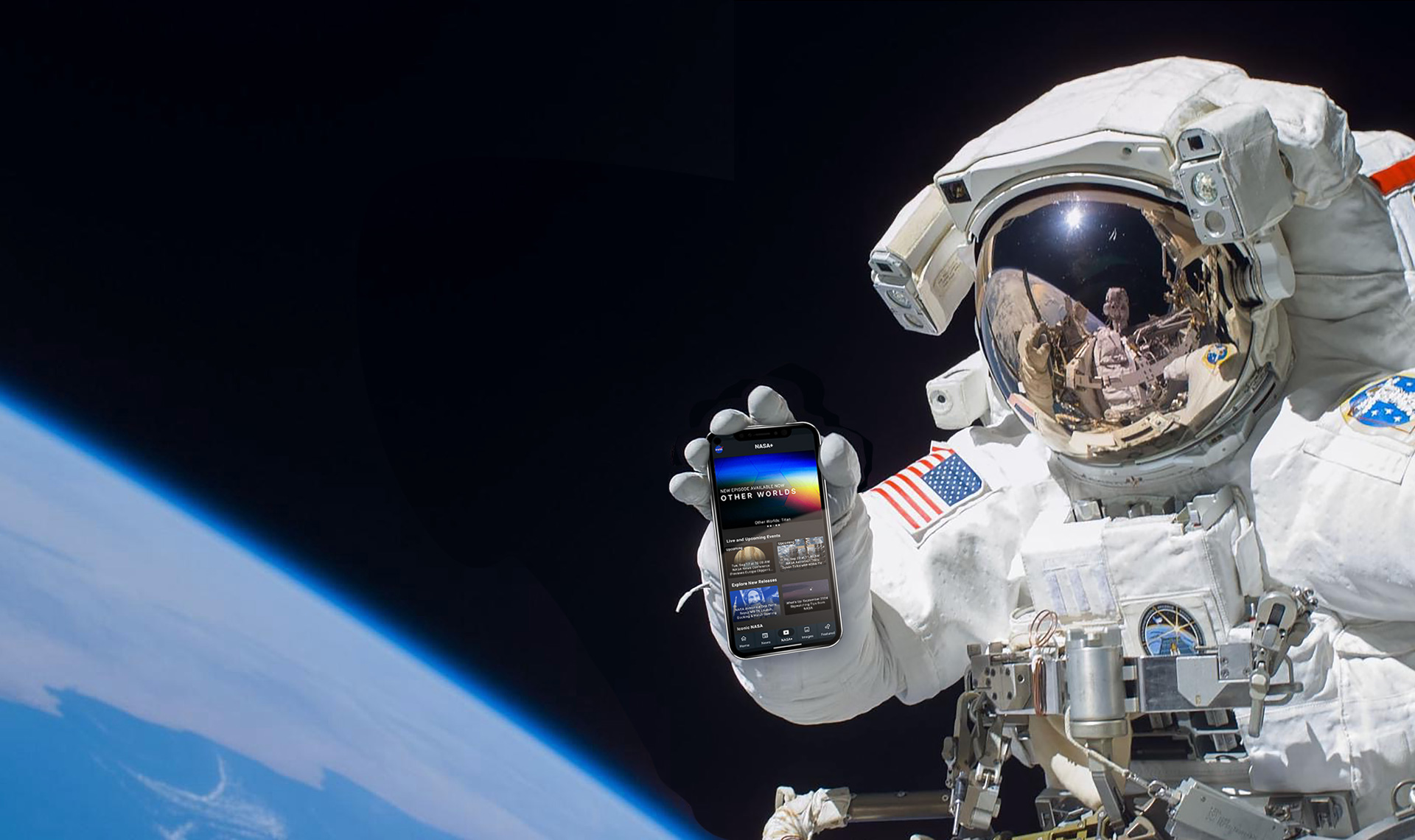
The Universe at Your Fingertips
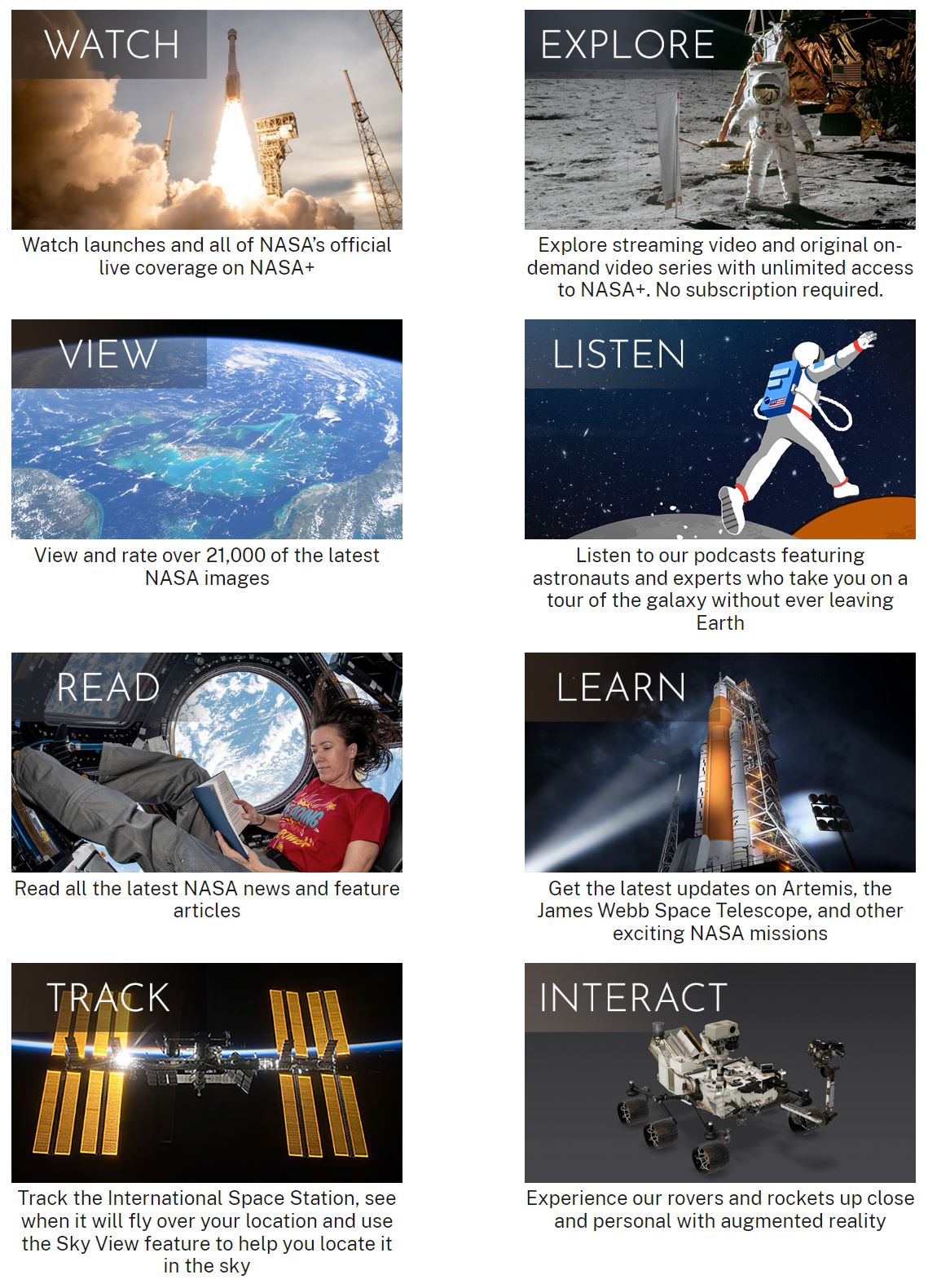
The redesigned NASA App unlocks access to the new NASA+ video streaming service, plus all the latest NASA images, news, mission information, podcasts, and interactive augmented reality experiences to explore — putting the universe at your fingertips!
Install the NASA App today! Available for these platforms:
iOS, Android, Apple TV, Google/Android TV, Amazon Fire TV, and Roku.


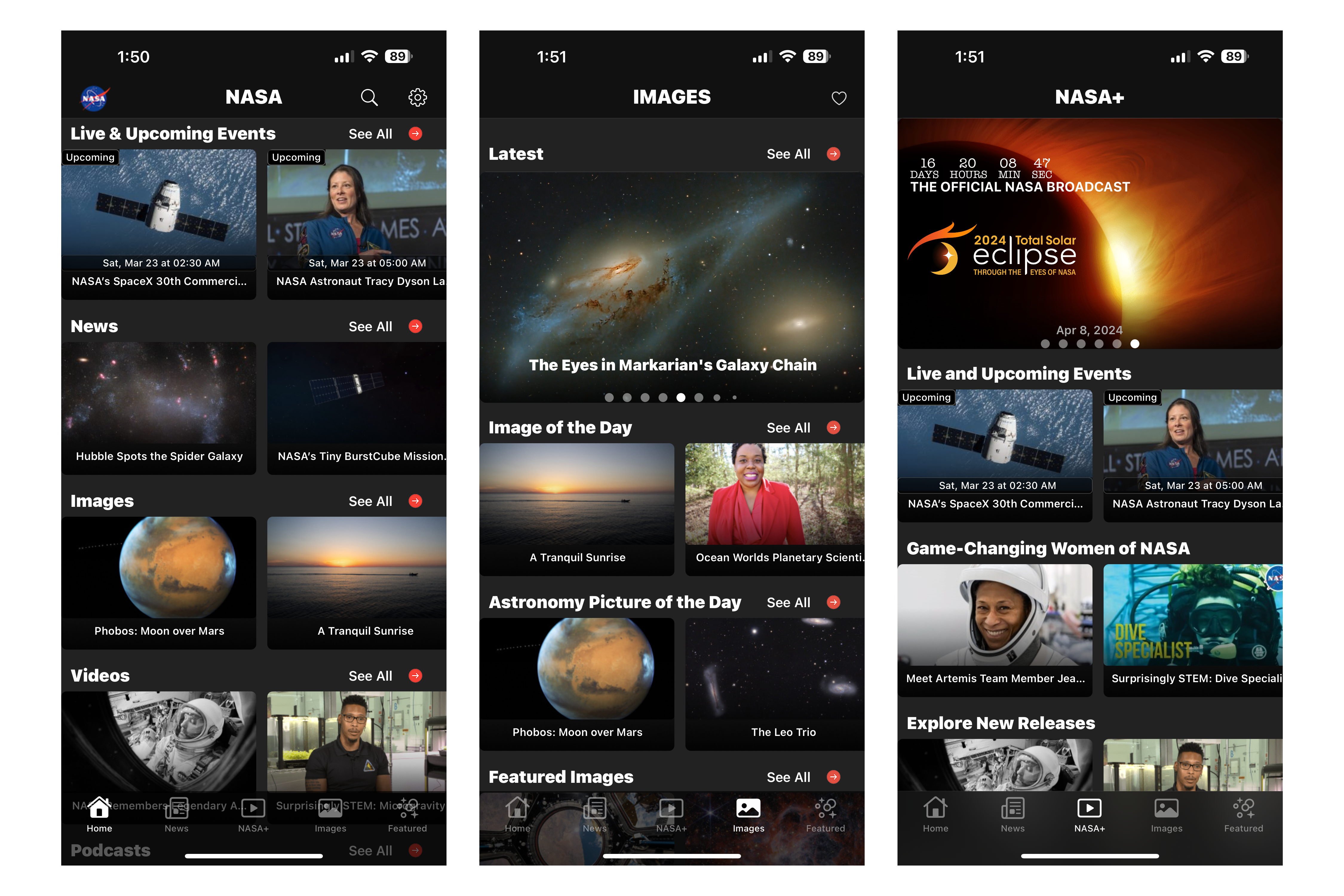
Three screenshots of the NASA app on iOS.