














Desktop and Mobile Wallpapers
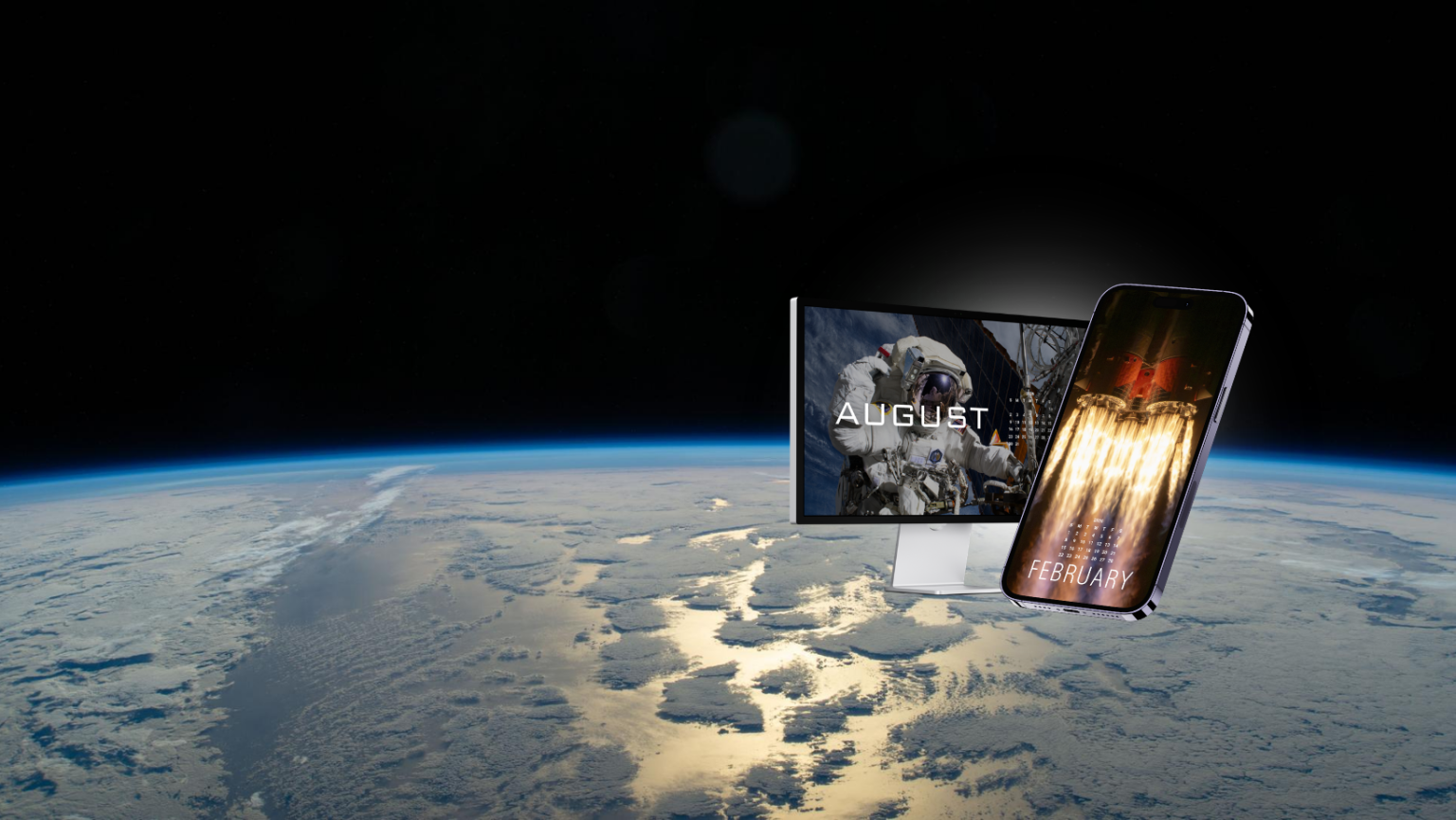
Download the latest calendar and wallpaper backgrounds for your desktop or mobile device, and discover the stories behind each featured image.
Check back in each month for a new release of wallpapers!
Plan Your Year!
Enjoy monthly drops of exclusive desktop and mobile wallpapers! With fresh new designs released each month, there’s something everyone will love.
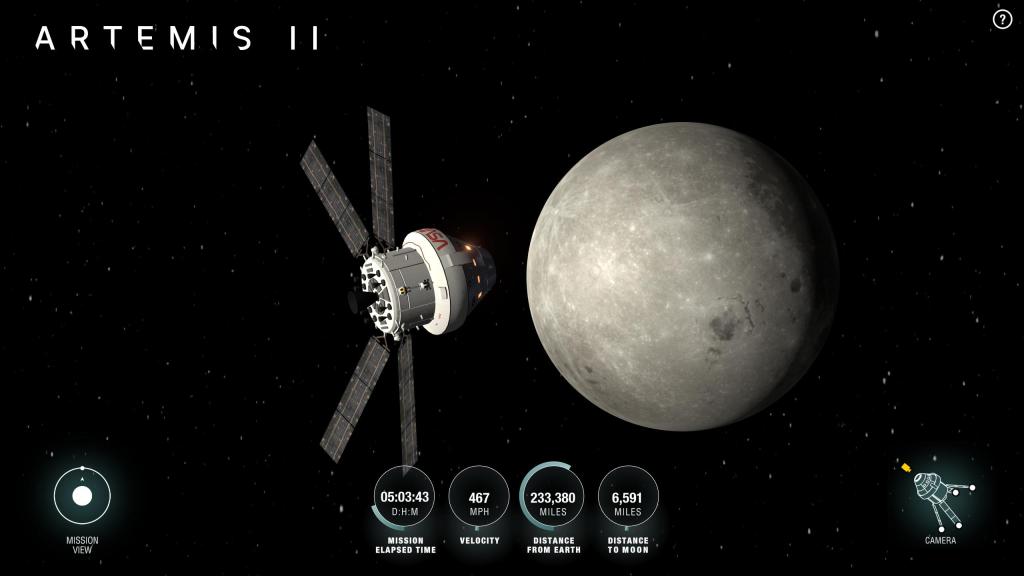
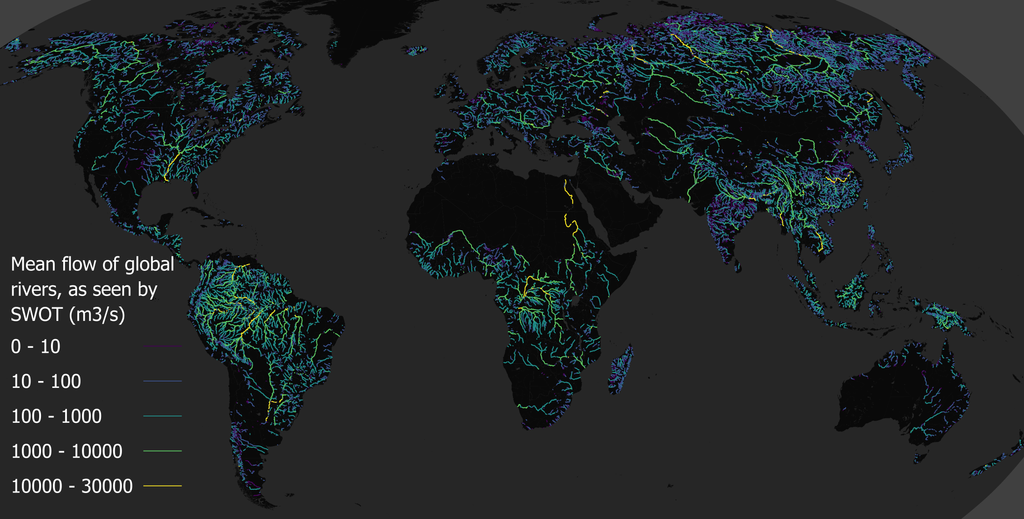
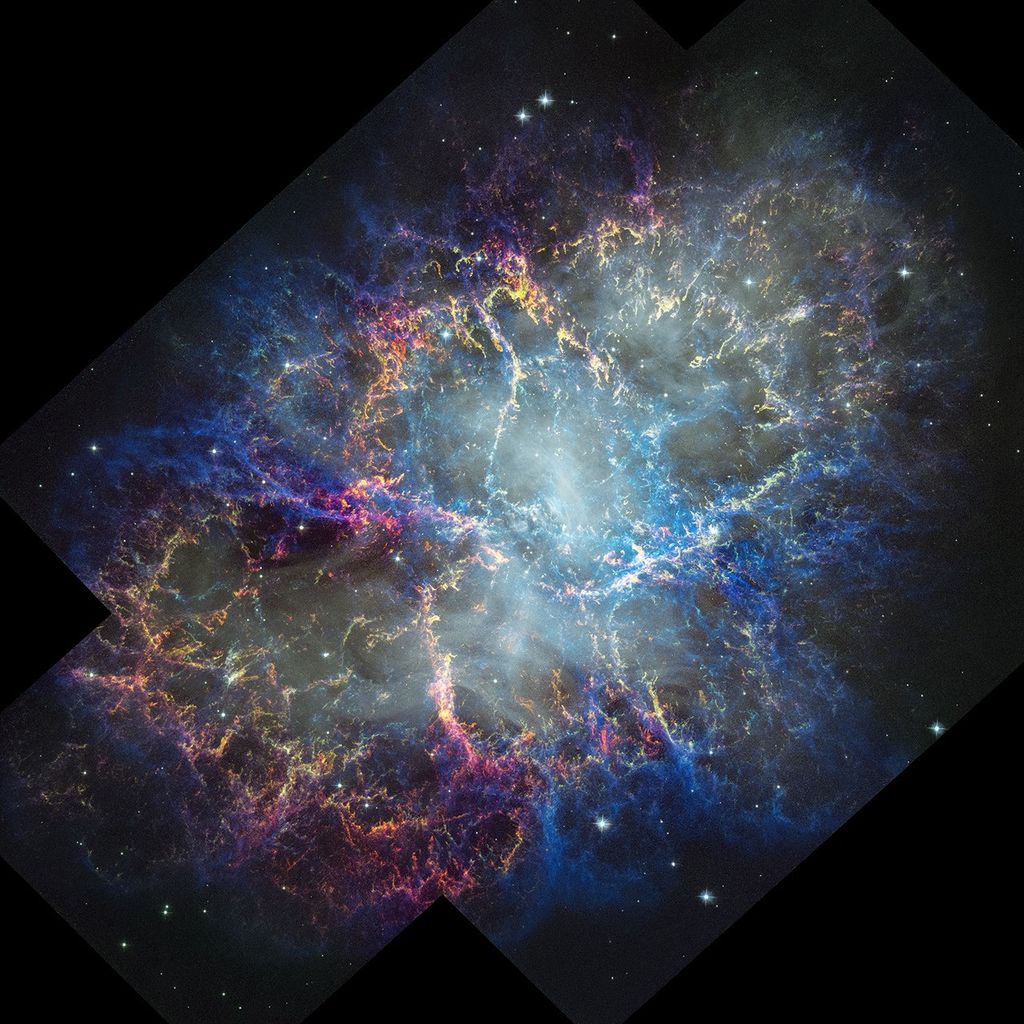
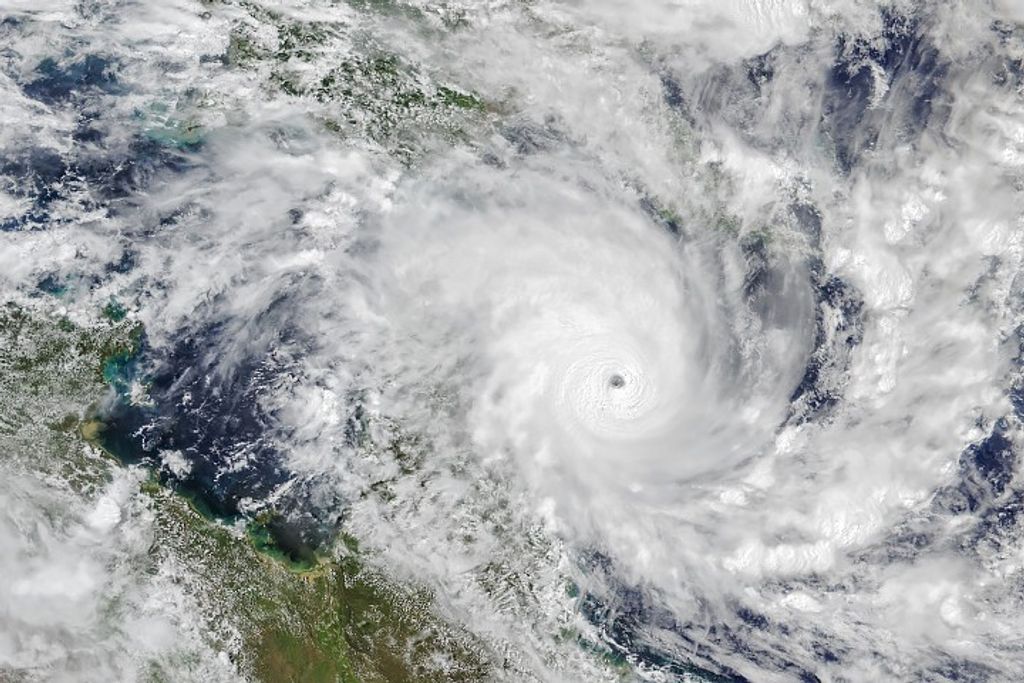
Each month features a variety of options, including backgrounds with calendar details on screen, as well as second-screen options. Check out the images below, and customize your devices to your liking.
Pro Tip: You can choose more than one and have your background rotate as often as you want. Start by downloading all of the tech backgrounds you want and adding them to one folder. PC users – Navigate to “Personalization” then “Background” and choose “Slideshow.” Select the folder and frequency. Mac users – Navigate to the wallpaper tab in your Mac settings and select “Add photo” and then “Choose Folder” Once added, select “rotate” and frequency with which you want to shuffle the images.
March Wallpapers
Scroll through the image options for March and download your favorites below!
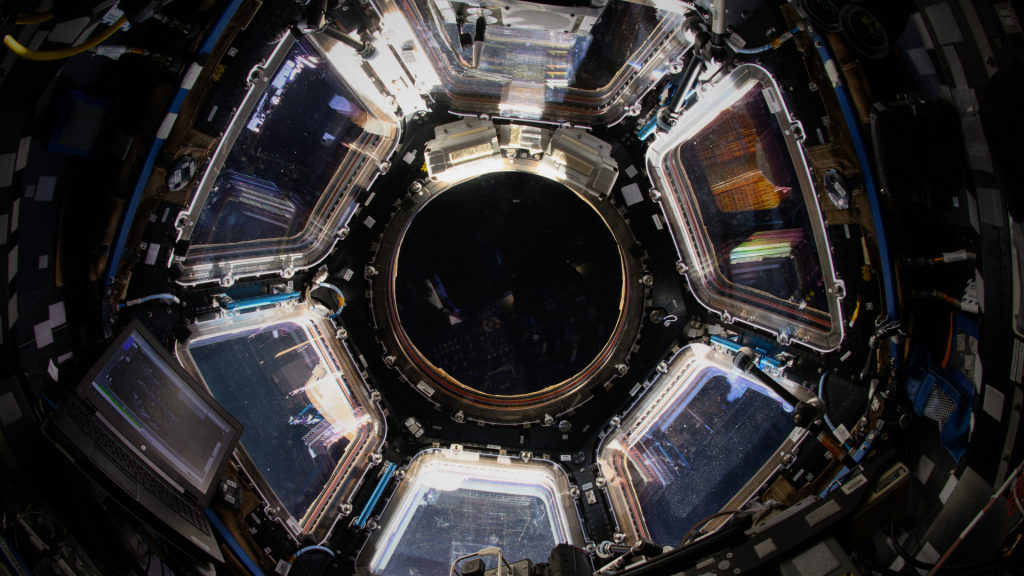
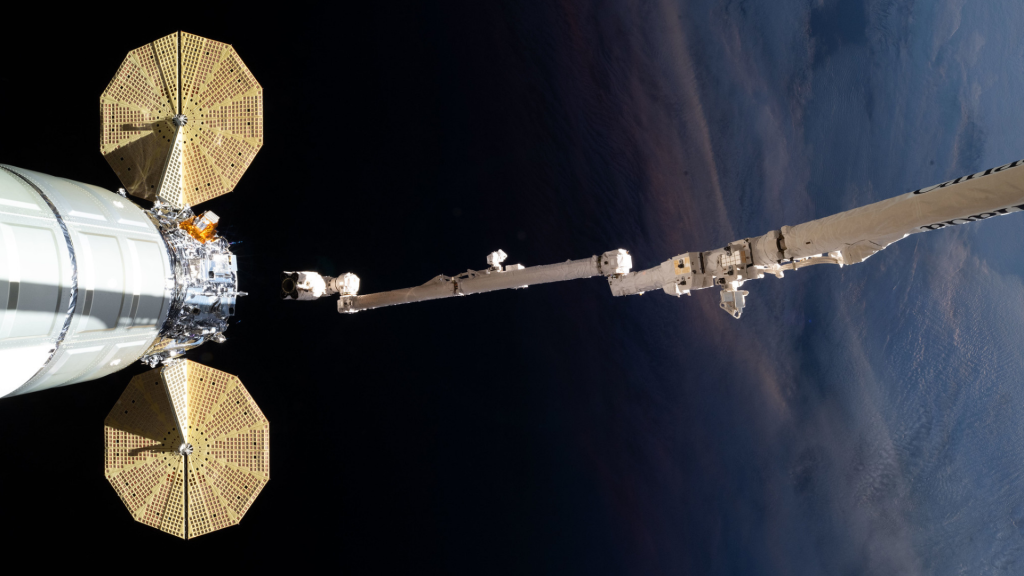
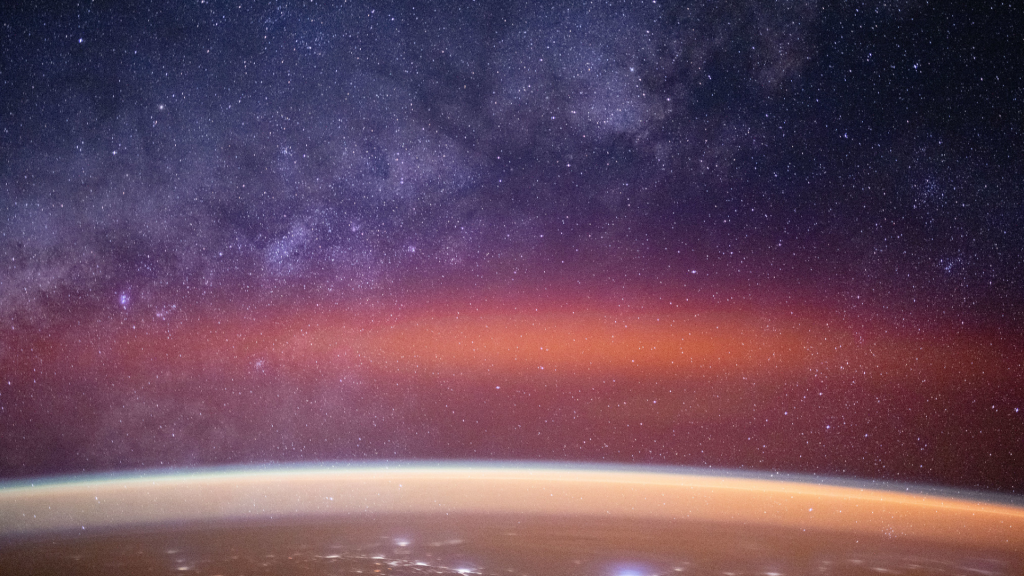


















February Wallpapers
Scroll through the image options for February and download your favorites below!



February Desktop and Mobile Wallpapers
Click the links below to download



January Wallpapers
Scroll through the image options for January and download your favorites below!