



NASA App for iOS and Android- FAQs
Do you have a
NASA App related question?
We're here to help! Search our FAQ list below for answers -- Or, if you don't see an answer for your question please email:
arc-dl-iphone@mail.nasa.gov
How do you display the orbital tracking for a mission?
For iPhone --- Tap on the missions panel and select the International Space Station (or other mission that has orbital tracking).
Tap on the satellite icon on the bottom left corner of the screen.
For Android --- Tap on the missions panel and select the International Space Station (or other mission that has orbital tracking).
Tap on the Android menu icon (or menu button on the device). Then select the tracking icon from the popup menu of choices.
How do you take an image from the NASA App and use it as the wallpaper or lock screen?
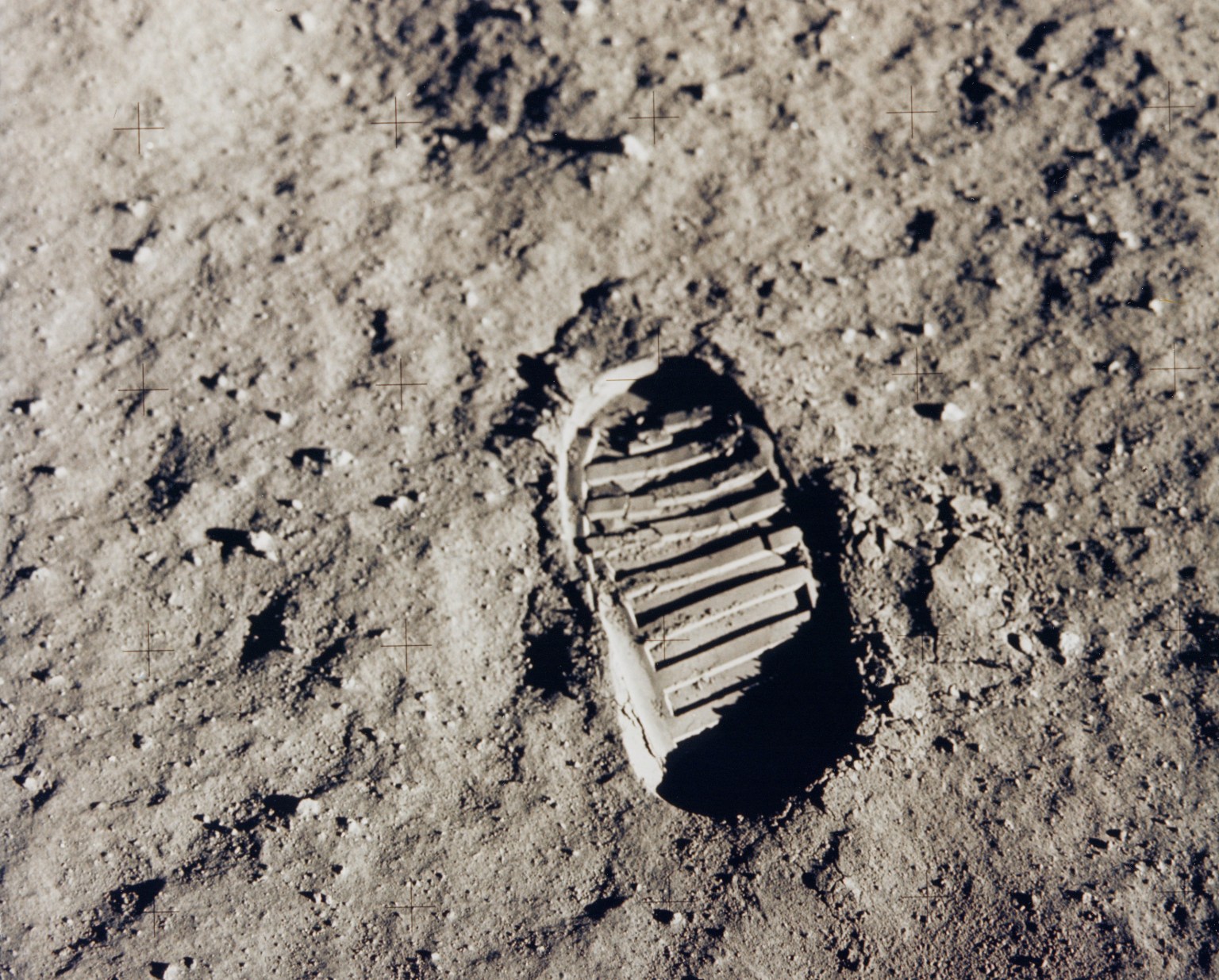
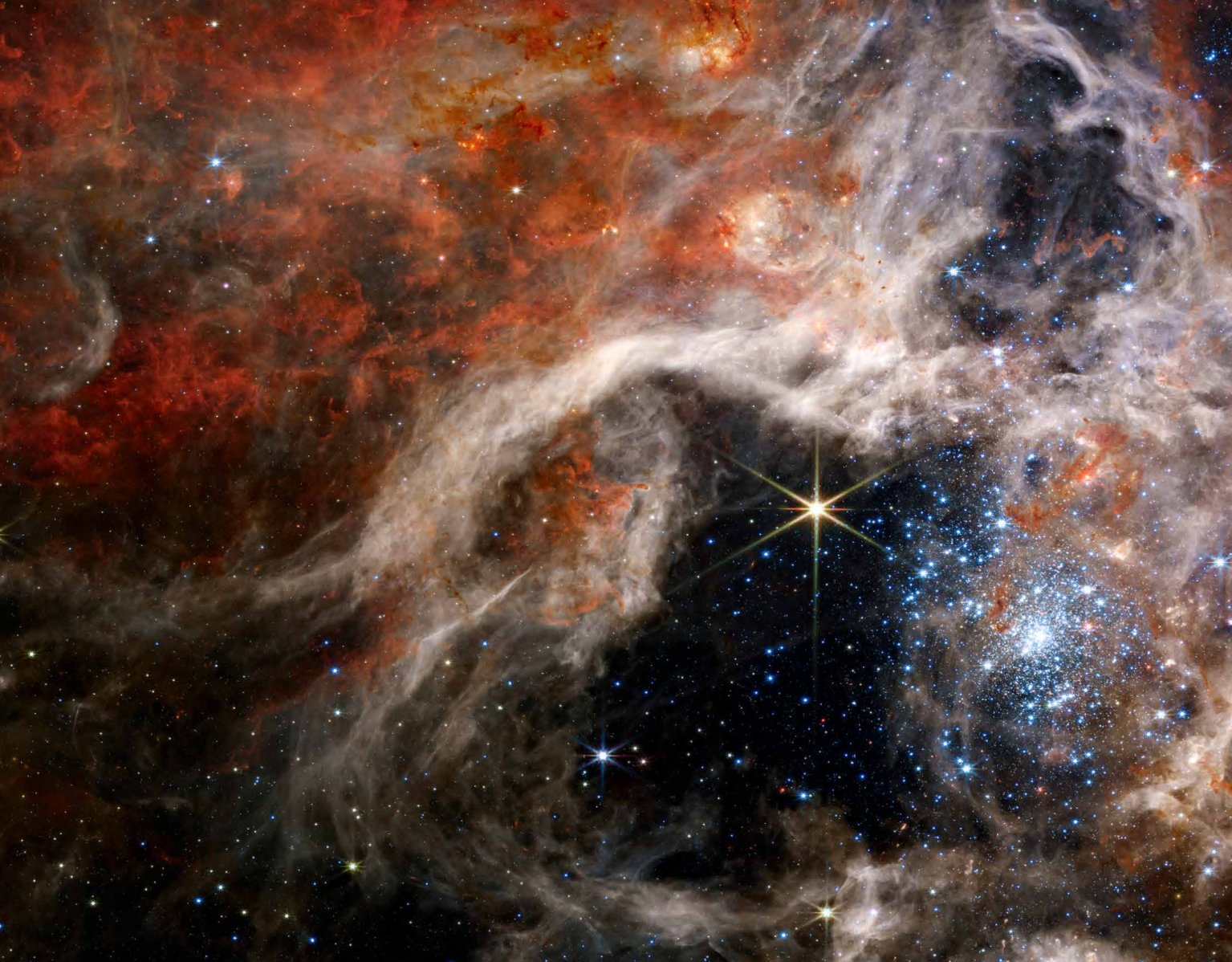
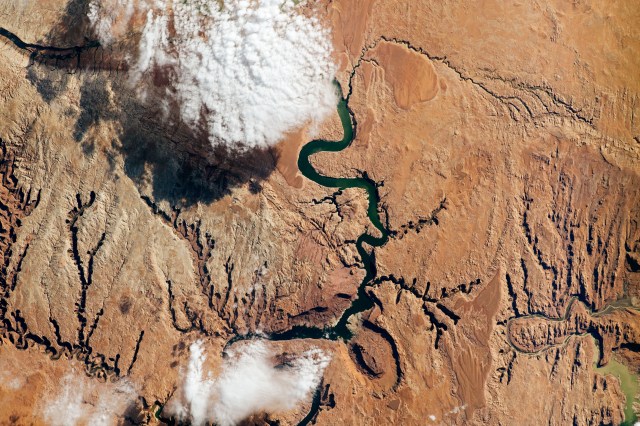
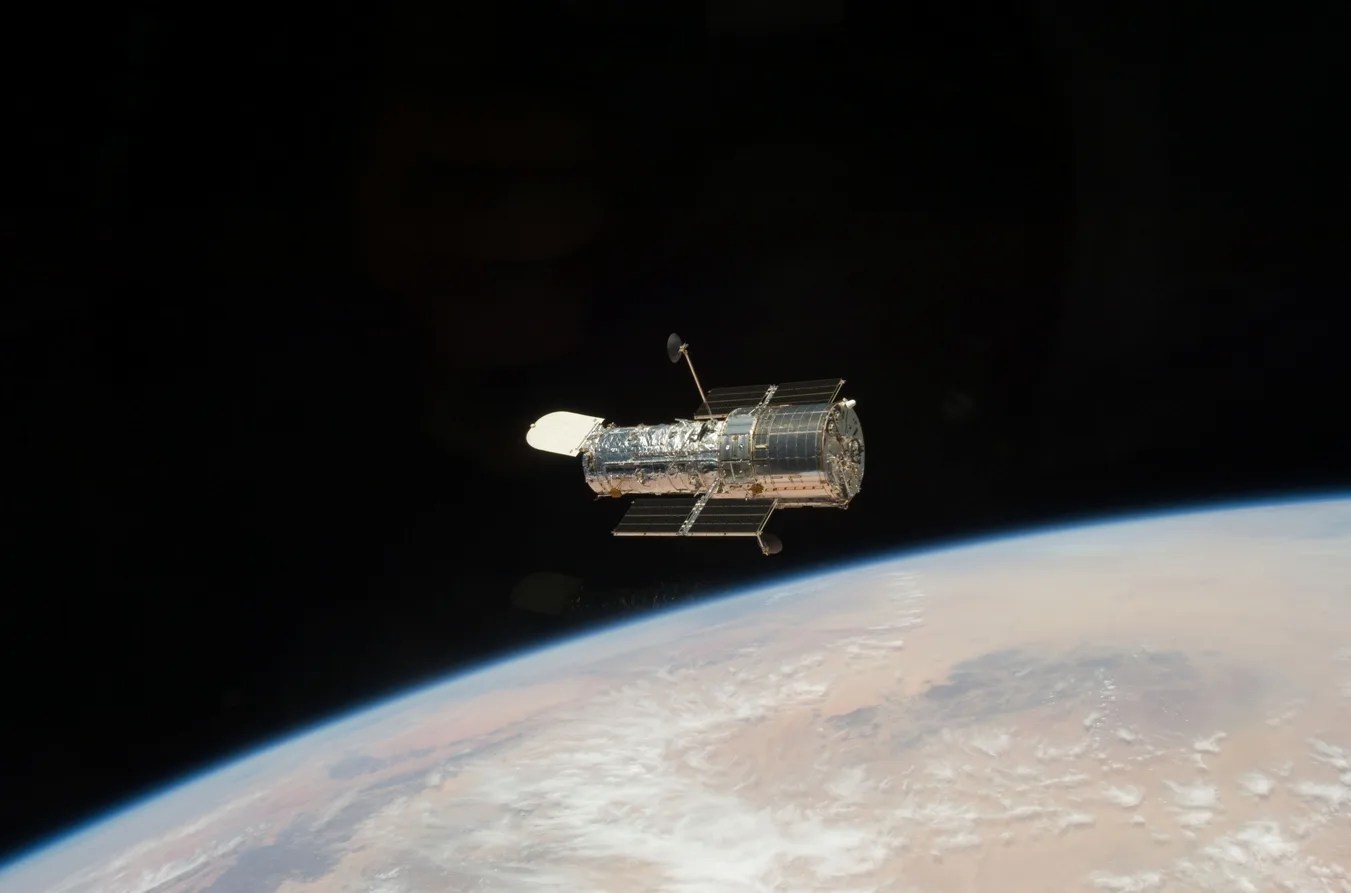
On an iOS device - Open the NASA App, open the images section and then browse to the image that you would like to use as the wallpaper, lock screen or both.
Tap on the image thumbnail to bring up the full image and then tap on the sharing icon in the upper right corner of the screen.
Tap Save
Once you see the message at the bottom that the image has been saved to the camera roll, exit out of the NASA App.
Now find the Photos application (has a yellow flower icon) and open it.
Tap on Camera Roll (if it's not open already) and then tap on the image you saved from the NASA App.
Now tap on the sharing icon in the lower left corner (upper right on the iPad) and choose 'Use as Wallpaper'.
Now tap the Set button and chose if you want to make it the home screen, lock screen or both.
On an Andoird device - Open the NASA App, open the images section and then browse to the image that you would like to use as the wallpaper, lock screen or both.
Tap on the image thumbnail to bring up the full image and then tap on the Android menu icon (or menu button on the device).
Tap on either the save or as wallpaper choices from the popup menu of choices.
Will you be making a version for (or will it run on) my mobile device (Android, Blackberry, Palm, Nokia, Windows Mobile…) or computer (Windows, Mac OS, Linux...)?
We are tracking a wealth of public commentary, suggestions, and requests for enhancements, new features, additional platforms and desktop versions. These will be integrated into our debrief and recommendations to NASA management regarding future efforts.
So, while we don’t have any news on future mobile platform development at this time, we are happy to report that NASA is strongly committed to expanding public awareness of the Agency’s knowledge, activities and results.
In the meantime, you can find NASA content formatted for most mobile platforms by visiting NASA’s Mobile website:
http://mobile.nasa.gov
For more updates on new releases, other platform support, etc. please keep tabs on the NASA web site:
http://www.nasa.gov/iphone
Or the
NASA_Ames Twitter feed.
Is the application open source or is the source code available for this application?
The code is not open source and is not available for distribution at this time. Standard NASA software release policies apply. Please see the stipulations in the NASA application license agreement (sections #2 and #3) on the App Store. For more updates, please keep tabs on
the NASA app for iPhone web site.